AOTAOREC H69 Voice Recorder
Pocket-size recording with one-switch control, a magnetic back, and voice-activated or continuous modes.
U.S. orders are not open yet. Check back for updates.
How it works
One switch starts it. One switch saves it.
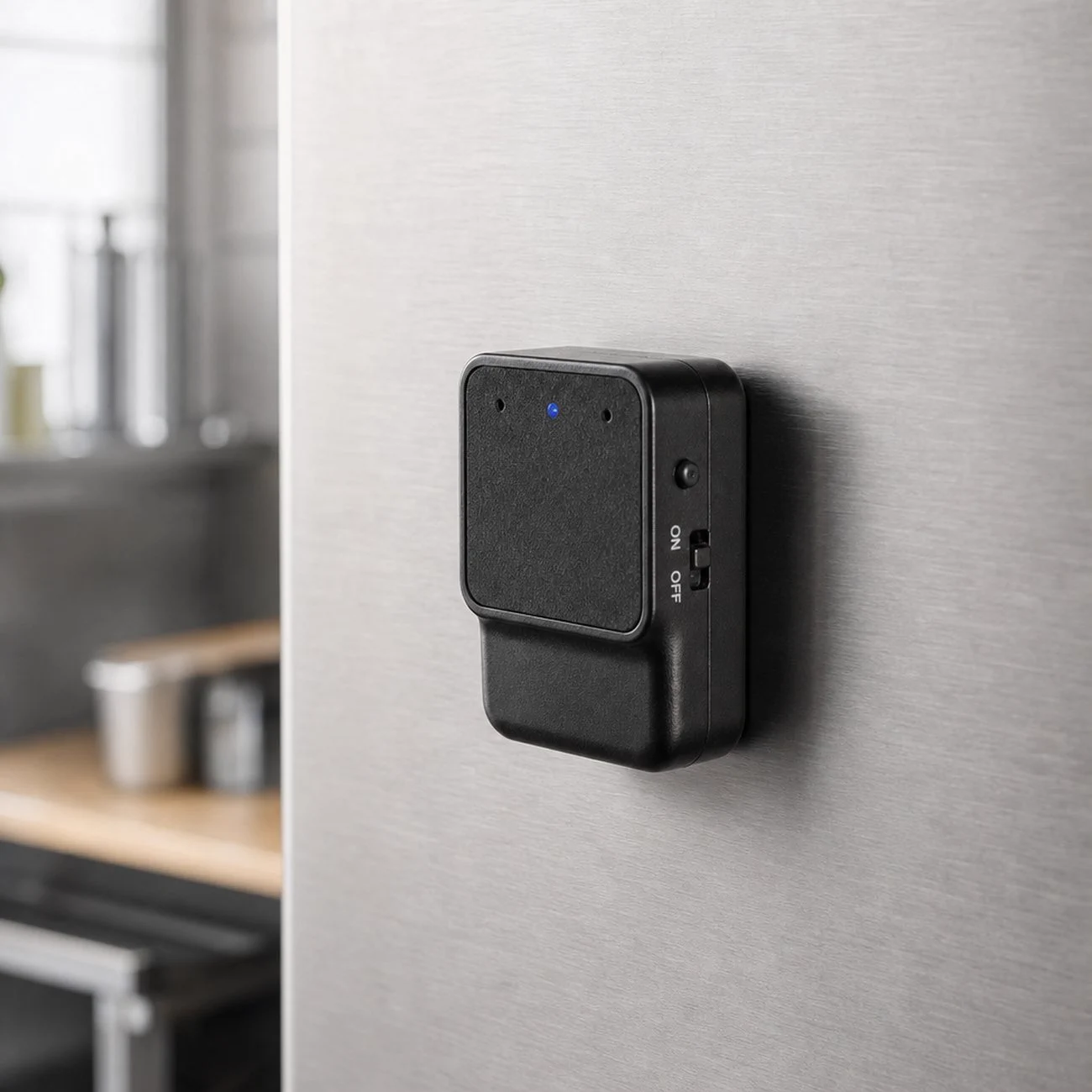
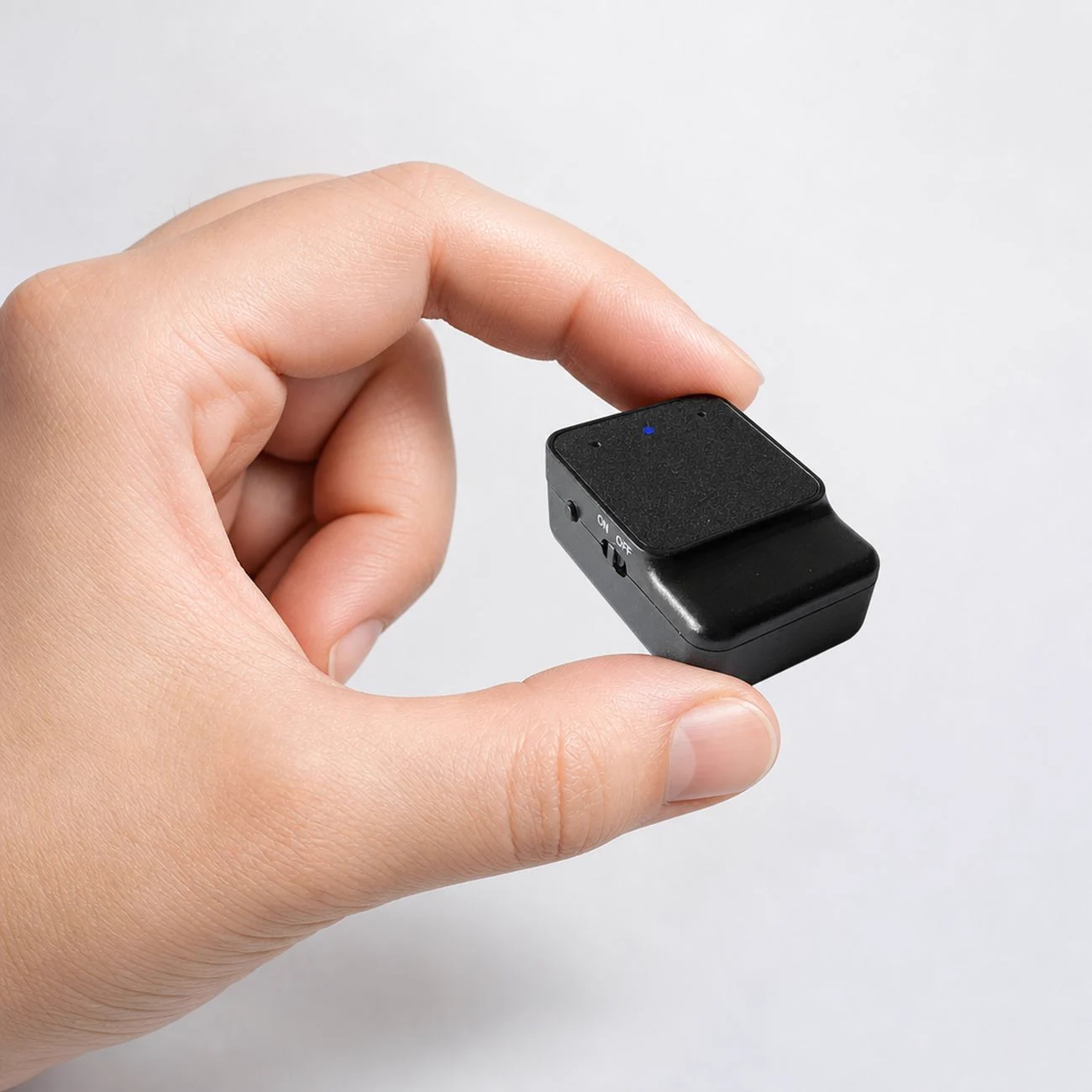
No screen or menus to navigate. Set a recording mode, slide the power switch to ON, and the H69 is ready. Its magnetic back attaches to compatible metal surfaces.
- Choose your modeUse Voice-Activated to pause during quiet moments or Continuous to record the full session.
- Slide to ONThe H69 starts in its saved mode. Your phone can stay put.
- Slide to OFFThe recording is saved and the recorder powers down.
The companion app
More ways to work with your recordings.
For iPhone and Android phones, the app lets you listen while recording, follow live captions in supported languages, transfer files, and transcribe recordings offline on your phone.
- Listen while recording and follow live captions in supported languages
- Transfer recordings, play them back, and transcribe offline
- No account or ads. Recordings stay on your devices unless you choose to share them.
H69 at a glance
Small details. Clear answers.
Specifications for the AOTAOREC H69 magnetic voice recorder.
- Dimensions
- 34 × 24 × 14 mm (1.34 × 0.94 × 0.55 in)
- Weight
- About 21 g (0.74 oz)
- Storage
- 4, 8, 16, or 32 GB built in
- Recording quality
- 32, 64, 96, or 128 kbps
- Battery
- 300 mAh rechargeable
- FCC ID
- 2BYWY-H69
Continuous recording lasts about 80 hours per full charge; Voice-Activated mode may last longer depending on sound and use. Recording and listening laws vary by location. Obtain any consent required where you record.
Product help
Help from the people who built it.
Find setup, recording, file transfer, storage, and app guidance in AOTAOREC Support.